SAP Fiori Learning Journey
Whether you're just starting as an SAP developer or an experienced programmer, there's always something to learn. Use these resources from SAP PRESS (books, blog posts, and videos) to develop your own career and take the next (or first!) steps into the world of SAP development with the SAP Fiori user interface.
What Is SAP Fiori?
SAP Fiori is SAP’s next-generation user experience (UX) for SAP software. SAP customers can use this UX for various solutions, such as SAP S/4HANA, SAP SuccessFactors, SAP Ariba, and more. It is the successor to the existing SAP Graphical User Interface (SAP GUI) used in the SAP ERP solution. There are currently over 7,500 SAP Fiori apps available to users.
Getting Started with SAP Fiori

Comparing the SAP GUI to SAP Fiori
SAP Fiori apps look very different than the traditional SAP GUI interface used in SAP solutions prior to SAP S/4HANA. In this blog post, refresh yourself on how to call reports with SAP GUI, and then how to report on data with an SAP Fiori application.

SAP Fiori App Building Blocks: Elements
To reduce the amount of front-end code needed while developing an SAP Fiori app, and in order to keep the design consistent, SAP introduced a framework to generate UIs; it’s called SAP Fiori elements. This blog post will show off these elements and floorplans.

Push Your Apps into the World
SAP apps can be deployed to users through a dashboard called a launchpad. In this blog post, take a look at what an SAP Fiori launchpad looks like, discover its role in a business, and then see what launchpad variants are available to developers working with SAP Fiori.

SAP Fiori: Implementation and Development
Take your UI to the next level with this all-in-one resource to implementing and developing SAP Fiori apps! Start by configuring the SAP Fiori components and setting up the necessary security measures. Then it’s time to dive into applications: enabling them, developing them with SAP Business Application Studio and SAP Fiori elements, extending them for SAP S/4HANA, and more. With step-by-step instructions and screenshots throughout, this guide is your one-stop shop!
Thinking About a Career in SAP Fiori Development?

Let full stack developer Krishna Kishor Kammaje fill you in:
"Whenever bugs are identified in SAP Fiori apps, it is very important to figure out if the bug belongs to the UI code or the backend code, so that they can be efficiently triaged. As a full stack developer, you have the skillset to do this task, and you’ll likely be much faster (and save time) than having both a frontend and backend developer looking at the issue.
In this video, become familiar with how SAP PRESS books can help you on your journey from SAP Fiori citizen developer to advanced programmer!
Whether you're brand-new to SAP applications or looking to expand your knowledge into the world of SAP S/4HANA, we have something for you!
These books are the perfect resource to consult; they're all available as printed books as well as e-books for easier reading on the go!
Take the Next Steps in Learning SAP Fiori Development

How to Develop an SAP Fiori App
In this blog post, we’ll explain the steps of creating projects, adding source code to a project, testing an application, and finally how to deploy an application using SAP Business Application Studio.

Customize the SAP Fiori Launchpad
Now that you know what the SAP Fiori launchpad does for business users and developers, learn how to customize it with a custom company theme with this blog post.

Need to Build a Custom SAP Fiori Theme?
If the post to the left piques your interest, but you have no clue how to create a custom company theme for your launchpad, look no further than this blog post on the UI Theme Designer!
How to Add and Remove SAP Fiori Tiles in SAP S/4HANA - Video
Some SAP Fiori apps are used so often that it makes sense to give them a permanent place on the SAP Fiori launchpad homepage. In this video, you'll learn how to add SAP Fiori apps to the homepage, as well as remove them for those situations where you no longer need them as easily accessible.
Configuring SAP Fiori Launchpad
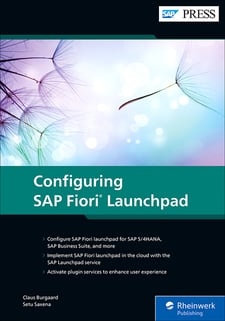
Get the SAP Fiori launchpad up and running! Configure the SAP Fiori launchpad for key on-premise systems: SAP S/4HANA, SAP Business Suite, and SAP Enterprise Portal. Use the SAP Launchpad service in the cloud by setting up SAP Business Technology Platform (SAP BTP) and leveraging tools like SAP Business Application Studio. Follow a real-world landscape example and make the most of SAP Fiori’s modern UX!
Build Apps Faster with SAP Fiori Elements
SAP Fiori Elements
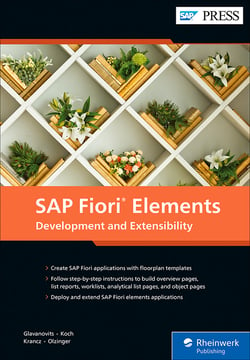
Take the guesswork out of app development with this comprehensive guide! Learn how to use SAP Fiori elements to develop SAP Fiori applications with minimal coding. Walk through the basics of SAP Fiori elements, including the OData standard, programming models, and development tools. Then, follow step-by-step instructions to build your applications using floorplan templates. Finally, learn how to deploy and extend your applications. This is your complete resource for creating and extending SAP Fiori elements apps!

Create an SAP Fiori Elements UI
In this blog post, you’ll learn how to extend a CDS data model with UI annotations and generate an SAP Fiori elements application based on it. The purpose of UI annotations is to define usage patterns for data in the user interface independent of UI technology.
Build Overview Pages
The use of an overview page in SAP Fiori is straightforward and intuitive. Its main purpose is to serve as a starting point for action or analysis, which is usually completed in apps you navigate to from the overview page.
Explore SAP Fiori for Business Users with a Rheinwerk Course

SAP Fiori for Business Users and Functional Consultants: Apps, Navigation, and Personalization
It’s time to get to know SAP Fiori, SAP’s newest UX. See what’s changed since the SAP GUI days. Explore SAP Fiori’s user-based roles and its transactional, fact sheet, and analytical apps for business. Learn how to personalize your SAP Fiori experience to make it your own!
- Discover SAP Fiori roles, apps, and authorizations
- Navigate and personalize your SAP Fiori launchpad
- Modify SAP Fiori within business user capabilities
Want to Go All In in SAP Fiori? Get a Programming E-Book Subscription!
SAP PRESS Topic Subscription for Programming
Get unlimited access to all SAP PRESS programming books, including our whole SAP Fiori library!
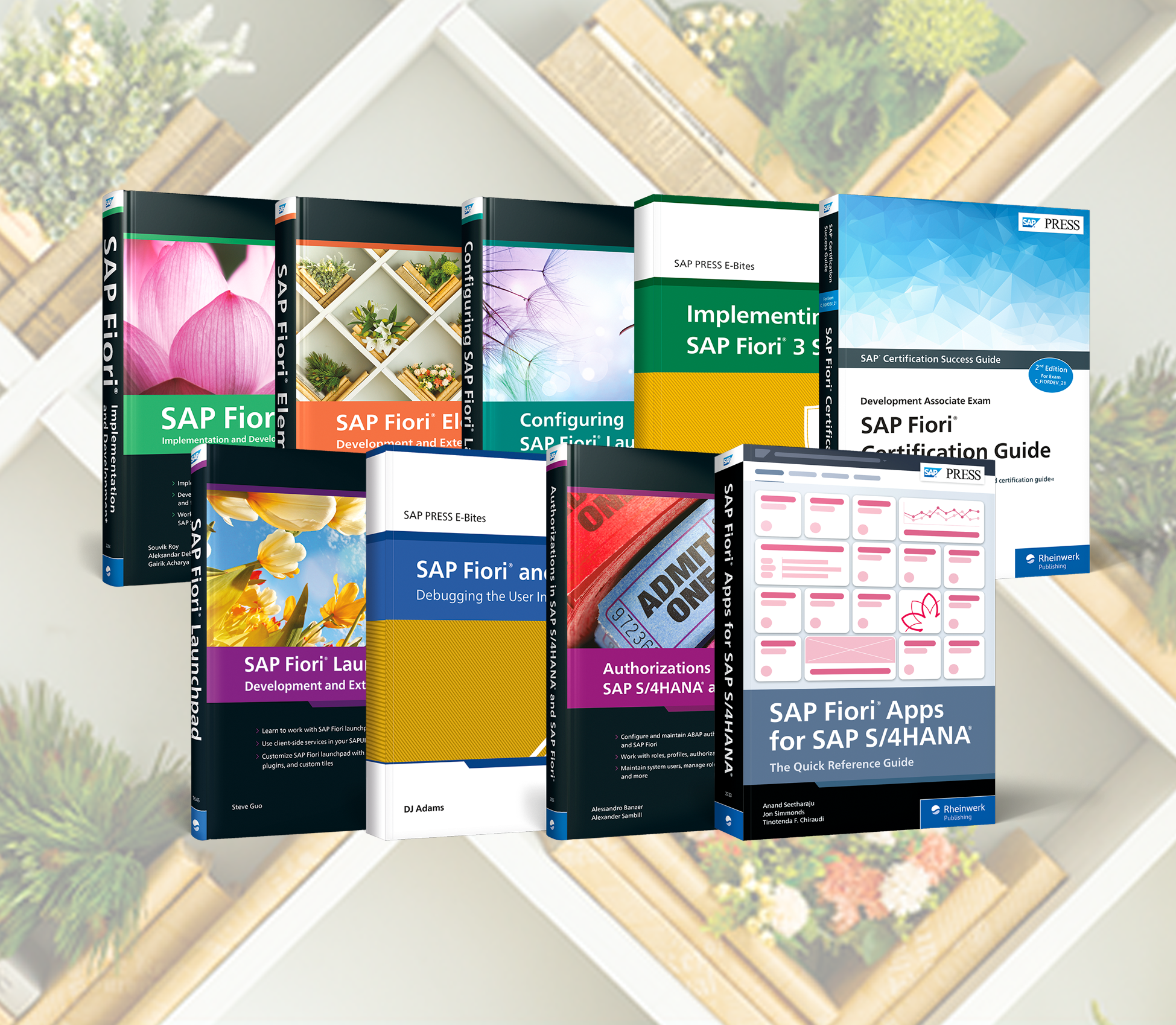
Whether you’re just starting your SAP development journey or are ready to take the next steps, these books will help you dive right in. Explore the basics of SAP Fiori development with SAP Fiori: Implementation and Development and take a look at low-code SAP Fiori development with SAP Fiori Elements: Development and Extensibility. Learn how to send your SAP Fiori apps to users with Configuring SAP Fiori Launchpad and SAP Fiori Launchpad: Development and Extensibility. Then explore security and debugging to ensure your SAP Fiori apps are always safe and usasble. Lastly, prepare for certification success with SAP Fiori Certification Guide.
The subscription includes all of these books! Read them all, and any new books as they release. Choose between monthly and yearly plans, and add team members at attractive rates! Plus, download your favorite books on your mobile devices with our new app for iOS and Android!